
When importing assets using the Bulk option, you may receive an error message stating "We detected an error while processing your request," and the import fails to complete.
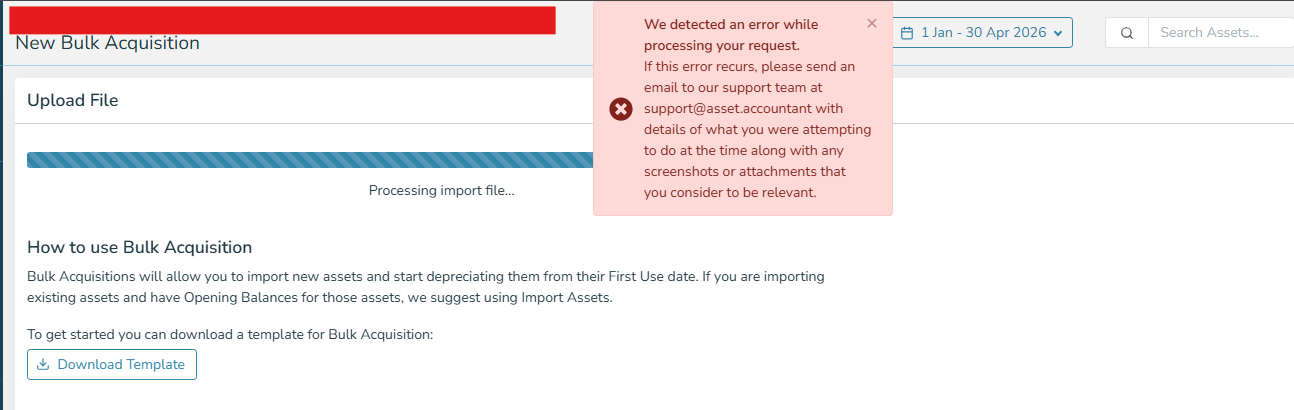
Cause: This is commonly caused by the import file containing more than 100 blank rows in the middle of the asset list. These blank rows disrupt the import process and trigger the error.
Resolution: Open your asset import CSV/Excel file in Google Sheets, then download it again as a CSV from Google Sheets. This removes the problematic blank rows and formatting issues, allowing the file to import without errors.