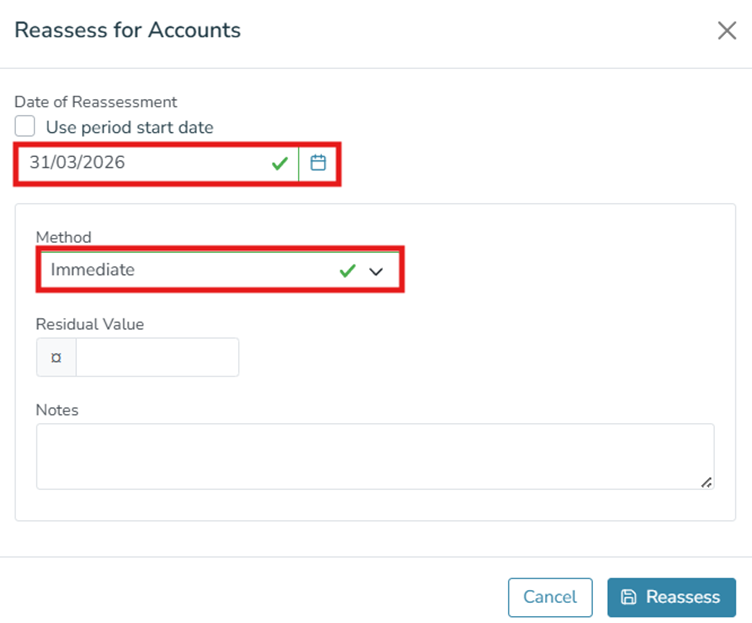
For the early termination of a lease and depreciation of the remaining value of the ROU Asset as at the early termination date:
- Select the lease
- Go to Actions menu on the far right.
- Select Terminate lease in the dropdown menu.
- Enter the Lease Termination Date ( enter buy out and lease fee values if relevant, otherwise enter 0).
- Click Terminate Lease.
For the Asset:
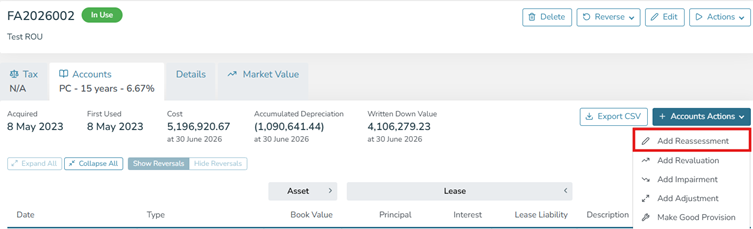
Add a Reassessment
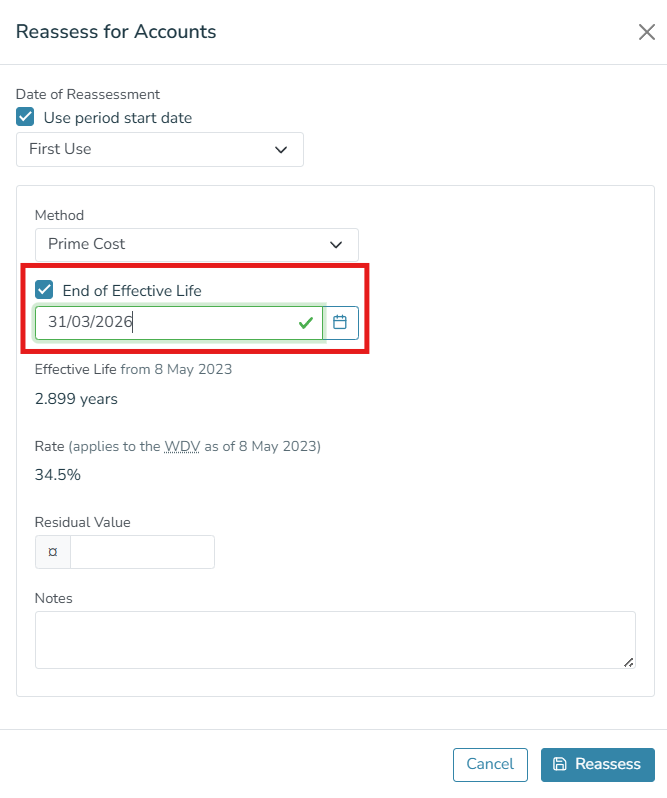
Choice 1: Perform a reassessment using the 'end of life' tick box to specify the date when the asset should have zero value (usually the result is smoother depreciation).
Choice 2: Perform a reassessment to 'immediate' on the early termination date, which will force it to zero on that day (the result is a sudden depreciation event)