
When connecting AssetAccountant to Sage Intacct, the correct entity could not appear in the integration menu, or the entity list shows blank with no entities at all.
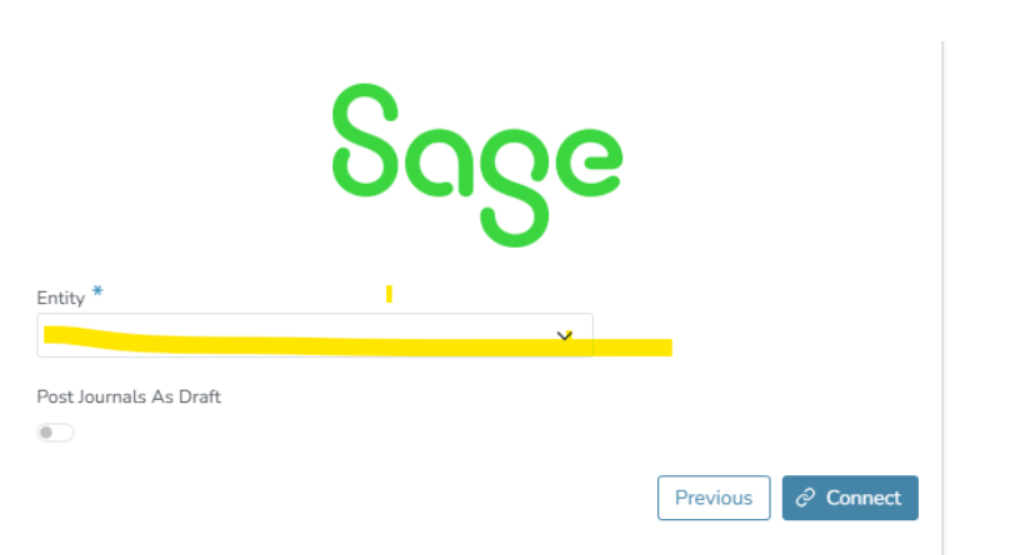
Cause: The Sage Intacct user account being used to connect does not have Admin Access. Entity visibility in the integration menu depends on the permission level of the user logging in.
Resolution: Ask your Sage Intacct administrator to grant Admin Access to the user connecting to AssetAccountant, then reconnect via Register Settings > Integrations tab. Where possible, use a login that already has Admin Access in Sage Intacct to avoid this issue.
This Sage Intacct Implementation Guide for Integration will help you to understand the correct process : Click_here